Videos & Tutorials
Step-by-step guides on ZATCA e-invoicing, VAT management, POS setup, and accounting best practices for Saudi businesses.
Subscribe on YouTube ↗ to get notified of new videos.
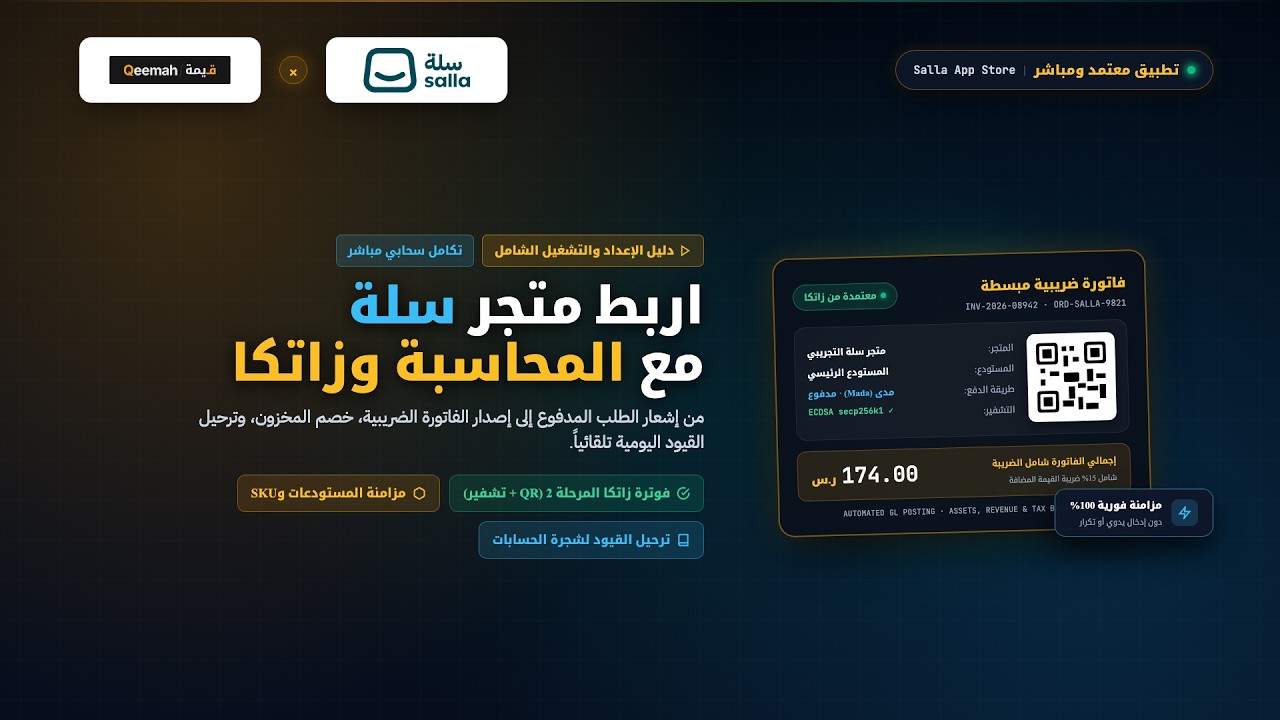
How to Connect & Automate Your Salla Store with Qeemah Cloud Accounting (Step-by-Step)
Step-by-step tutorial on connecting and activating Qeemah Cloud Accounting with your Salla store. Automatically issue ZATCA Phase 2 compliant e-invoices with cryptographic QR codes, sync inventory and warehouses in real-time, automate daily journal entries, and handle refund credit notes.
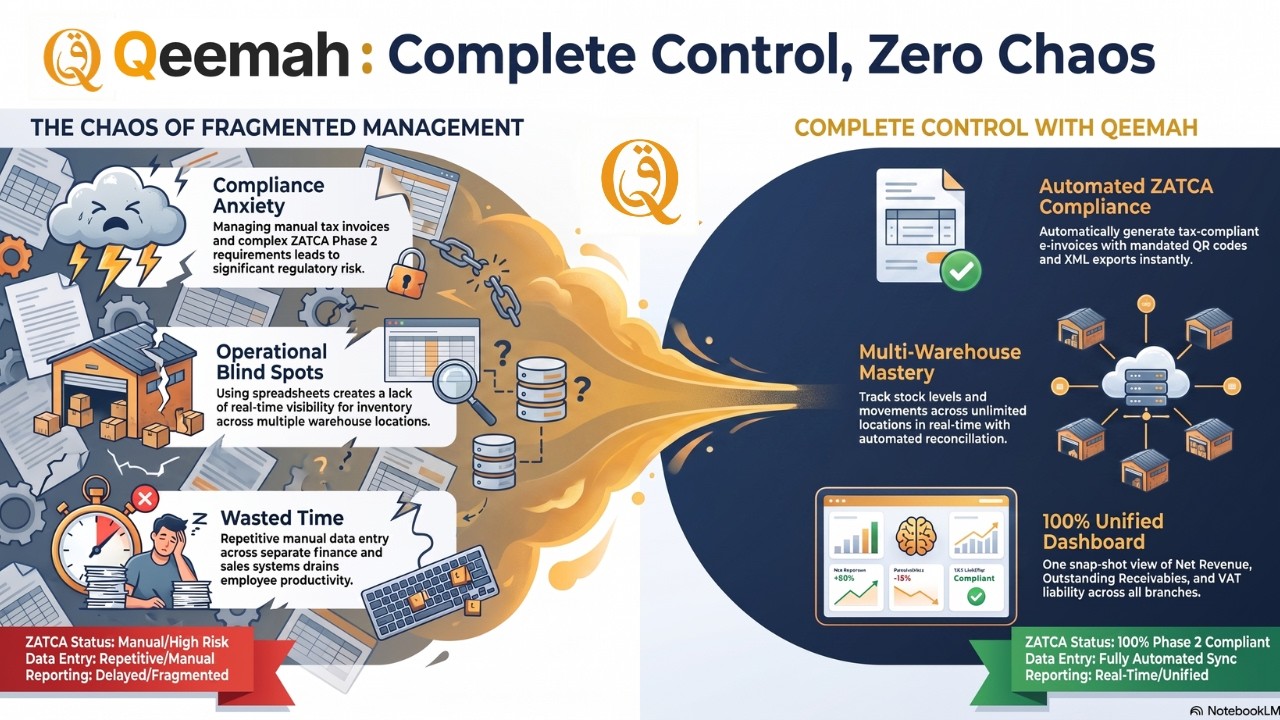
One Platform for Saudi Business: ZATCA, VAT, POS, Inventory & Payroll | Qeemah
See how Qeemah replaces scattered spreadsheets and disconnected POS systems with a single unified platform built for Saudi enterprises. Covers ZATCA Phase 2 e-invoicing, 15% VAT reporting, real-time multi-branch inventory, WhatsApp invoicing, and multi-branch payroll — all in one place.
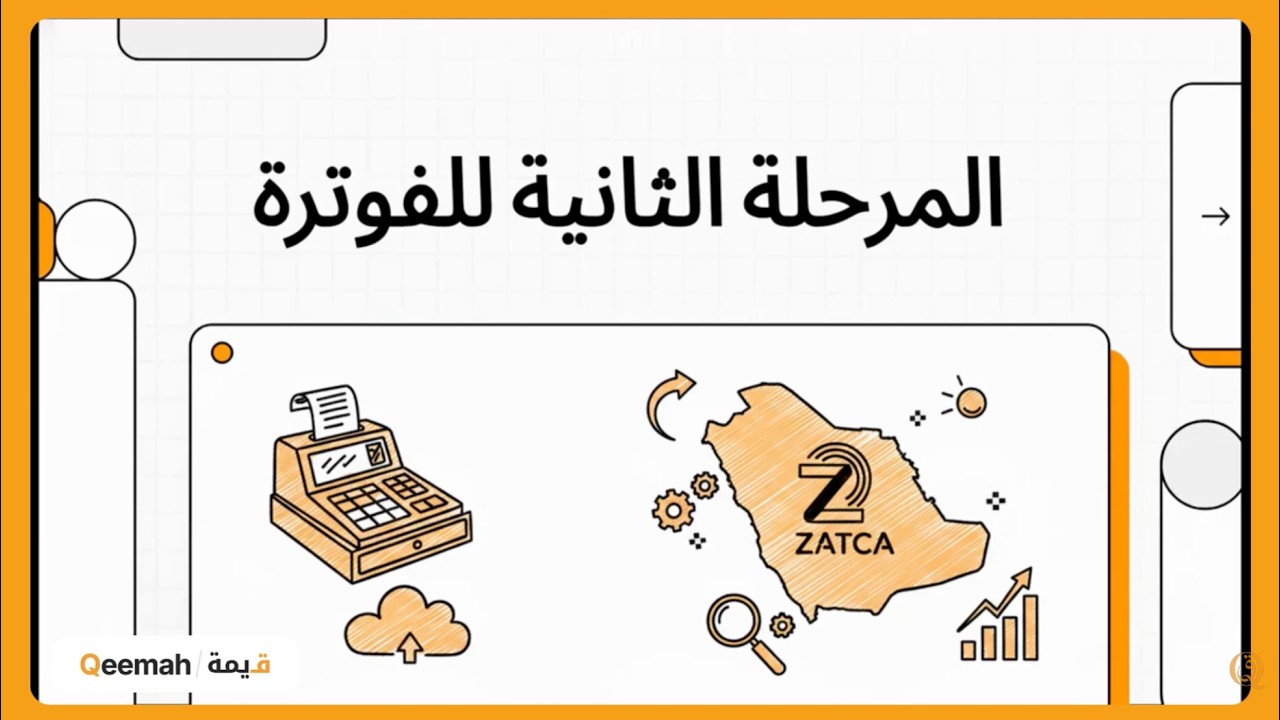
What Does Phase 2 in E-Invoicing Mean? | Qeemah
A simple explanation of ZATCA Phase 2 e-invoicing in Saudi Arabia, including the difference between Phase 1 and Phase 2, Fatoora integration, and how compliant accounting software helps businesses prepare.
See Qeemah with your workflow first
Book a guided demo, then get a trial account prepared around your needs.
Demo first • Guided trial after the walkthrough