How to Register for E-Invoicing on EmaraTax: A Step-by-Step Guide
Learn how to register your company for the UAE E-Invoicing system via the EmaraTax portal and link your ERP to an Accredited Service Provider.
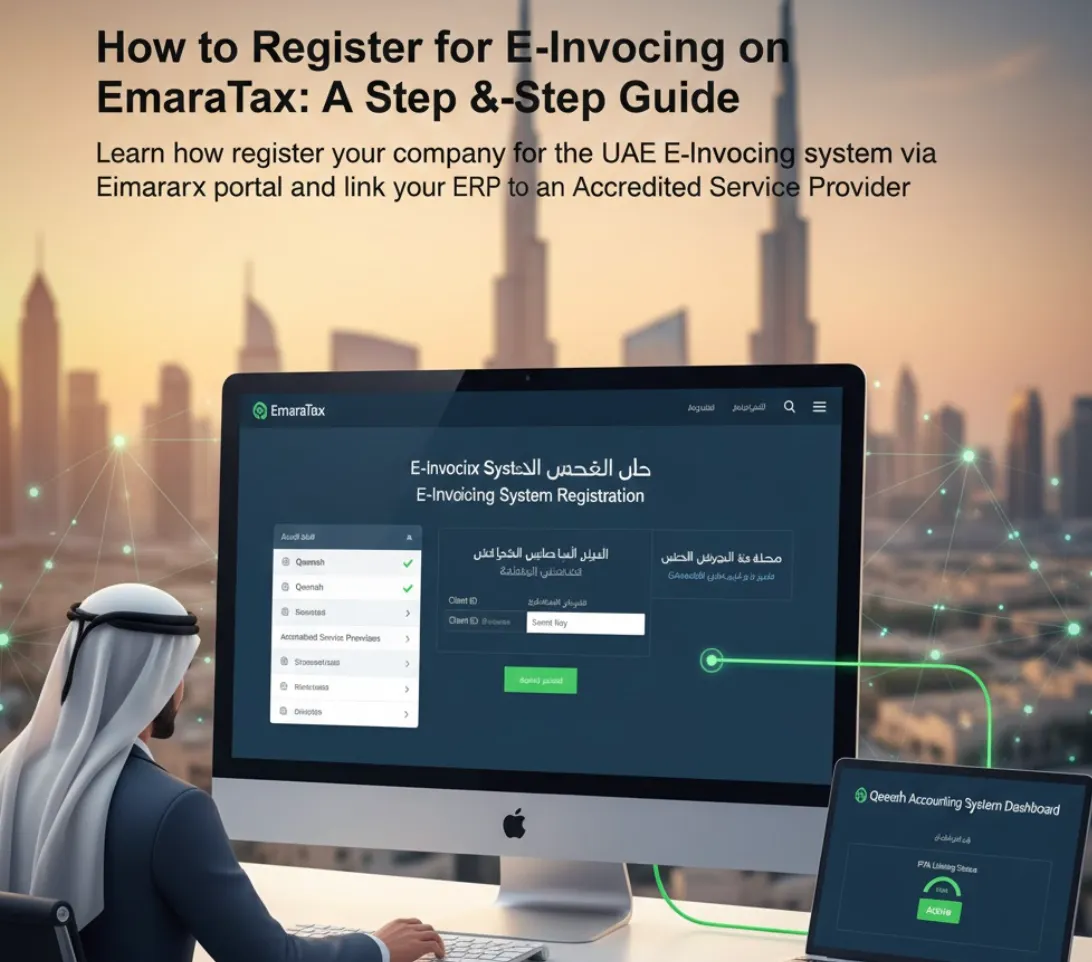
As the deadlines for the UAE E-Invoicing mandate approach, the first and most critical step is officially registering your company in the system via the Federal Tax Authority’s (FTA) “EmaraTax” portal.
This process is not just a formality; it is the gateway that allows your accounting software (ERP) to communicate with the national invoicing network. In this guide, we detail the steps to ensure a smooth and error-free registration.
Prerequisites Before You Start
Before logging into the portal, ensure you have the following ready:
- Active EmaraTax Account: You must have an account registered and linked to your company’s Tax Registration Number (TRN).
- Tax Registration Number (TRN): Ensure your TRN is active and not suspended.
- Accredited Service Provider (ASP) Details: You will need to know the name of the service provider you will work with (such as Qeemah or its accredited partner) to link them to your account 1.
Steps to Register for E-Invoicing
Step 1: Log in to EmaraTax
Visit the EmaraTax website and log in using UAE Pass or your email and password.
Step 2: Access E-Invoicing Services
From the main Dashboard, look for the “E-Invoicing” section. It may be listed under “Other Services” or as a standalone icon, depending on portal updates 2.
Step 3: Initiate Registration
Click on “Register for E-Invoicing System”. The system will ask you to confirm your company details:
- Legal Name (in Arabic and English).
- TRN.
- Registered Address.
Warning: Ensure these details match exactly what is on your trade license to avoid rejection.
Step 4: Appoint and Link an Accredited Service Provider (ASP)
This is the most crucial step. You cannot send invoices directly; you must choose a technical “intermediary.”
- In the “System Linking” section, select “Appoint Service Provider”.
- Search for the name of the Accredited Service Provider from the dropdown list.
- The system will generate a “Client ID” and a “Secret Key” (or authorization code).
- Copy these codes and enter them into your Qeemah system settings or provide them to your technical account manager.
Step 5: Confirm Linking
After entering the codes into your accounting system, the system will perform a “Ping” test with the FTA portal. If the status appears as “Active” in green on the EmaraTax portal, the process is successful.
What Happens After Registration?
Once registered and linked, you are ready for the next phase:
- Testing Phase: Start sending test invoices to verify the PINT-AE format. This is the UAE’s XML standard based on Peppol International.
- Monitoring: Check the EmaraTax dashboard to view reports of invoices received and processed.
- Go Live: Once testing is successful, begin issuing real e-invoices through your accounting software.
Tip: If you also operate in Saudi Arabia, the UAE’s PINT-AE format is different from ZATCA’s Phase 2 XML format. Make sure your software handles both standards. See our Saudi vs UAE e-invoicing comparison for the key differences.
Common Mistakes to Avoid
- Ignoring Deadlines: Registration is mandatory before the date specified in Ministerial Decision No. 244 (July 2026 for large businesses) 3.
- Mismatched Data: Discrepancies between the trade name in the system and the license may lead to account suspension.
- Not Testing First: Sending your first invoice without sandbox testing can result in rejections. Use the testing phase to verify your XML output.
Related Resources
Looking for more guidance on e-invoicing compliance? These guides may help:
- Saudi vs UAE E-Invoicing: Key Differences — Compare ZATCA and FTA requirements side by side.
- How to Choose a UAE E-Invoicing ASP — What to look for in an Accredited Service Provider.
- ZATCA Phase 2 Complete Guide — If you also have Saudi operations.
- Qeemah Features Overview — See how Qeemah handles both Saudi and UAE e-invoicing.
- Book a guided demo — See the workflow with our team before trial access.
Need Help Linking? The Qeemah team is ready to assist you at every step, from registering on EmaraTax to issuing your first compliant e-invoice. Contact us or book a guided demo.
References
Footnotes
-
Ministry of Finance, “Accreditation of e-Invoicing Service Providers”, Official Link. ↩
-
ebs Chartered Accountants, “UAE FTA Launches E-Invoicing System via EmaraTax Portal”, accessed December 25, 2025. ↩
-
Ministry of Finance, Ministerial Decision No. 244 of 2025 on the Implementation of the Electronic Invoicing System. ↩